










On-Page SEO Checklist for New Websites
Follow this complete on-page SEO checklist for new websites to optimize titles, keywords, URLs, images, and content for better Google rankings.
Introduction
If you’ve just launched a new website, on-page SEO is the first and most important step for ranking on Google.
Many beginners focus only on content, but on-page SEO ensures search engines actually understand and index your pages.
A proper checklist helps you avoid mistakes, improve visibility, and grow traffic faster.
This beginner-friendly guide explains all major on-page SEO steps in a simple and practical way.
Follow it carefully, and your website will be ready for strong, long-term rankings.
Table of Contents
-
What Is On-Page SEO
-
Why On-Page SEO Matters
-
Keyword Research Essentials
-
Title Tags and Meta Descriptions
-
URL Structure for SEO
-
Header Tags and Content Formatting
-
Image Optimization
-
Internal Linking Strategy
-
User Experience (UX) Optimization
-
On-Page SEO Tools You Should Use
-
Key Takeaways
-
FAQs
-
Conclusion
What Is On-Page SEO
On-page SEO refers to optimizing the content, structure, and HTML elements of your web pages so search engines can understand them clearly.
Simple Explanation
On-page SEO tells Google:
-
What your page is about
-
Why it is useful
-
Why it should rank higher
Examples of On-Page SEO
-
Optimizing titles
-
Adding keywords naturally
-
Formatting with H2 and H3
-
Using internal links
-
Improving readability
Why On-Page SEO Matters
For new websites, on-page SEO is the easiest and fastest way to improve rankings.
Key Benefits
-
Helps Google understand your content
-
Improves user experience
-
Increases organic traffic
-
Builds strong SEO foundation
-
Makes your page ready for off-page SEO
Good on-page SEO = better visibility + better engagement.
Keyword Research Essentials
Keyword research is the foundation of on-page SEO.
How to Choose the Right Keywords
Look for:
-
Low competition keywords
-
High search intent
-
Long-tail keywords
-
Beginner-friendly opportunities
Example
Rather than targeting “SEO,” choose:
-
“On-page SEO checklist for beginners”
-
“New website SEO checklist”
Where to Use Keywords
-
Title tag
-
URL
-
H1 heading
-
First paragraph
-
Subheadings (H2, H3)
-
Image alt text
-
Meta description
Use naturally—never force keywords.
Title Tags and Meta Descriptions
These are the first elements both users and Google see.
Title Tag Optimization
-
Include the main keyword
-
Keep it under 60 characters
-
Make it attractive
Example:
“On-Page SEO Checklist for New Websites (Beginner Guide)”
Meta Description Best Practices
-
Add keywords naturally
-
140–155 characters
-
Describe clearly what the page offers
A good meta description improves CTR (click-through rate).
URL Structure for SEO
Simple and clean URLs rank better.
Good URL Example
yoursite.com/on-page-seo-checklist
URL Tips
-
Keep it short
-
Include the main keyword
-
Avoid numbers or special characters
SEO-friendly URLs help Google and users understand the content quickly.
Header Tags and Content Formatting
Headers guide Google through your content.
H1 Tag
H1 is your main headline.
Use only one H1 per page.
H2 and H3 Tags
Use these to structure sections and subtopics.
Content Formatting Tips
-
Short paragraphs
-
Bullet points
-
Numbered lists
-
Clear subheadings
Readable content ranks better and keeps users engaged.
Image Optimization
Google reads images through alt text.
How to Optimize Images
-
Use compressed images (WebP recommended)
-
Add descriptive alt text
-
Include keywords naturally
-
Use proper file names
Example:
Instead of IMG_1234.webp, use:on-page-seo-checklist.webp
Image optimization improves ranking and page speed.
Internal Linking Strategy
Internal links help Google understand your site’s structure.
Benefits of Internal Links
-
Pass SEO value between pages
-
Improve user engagement
-
Help Google crawl pages faster
-
Reduce bounce rate
Internal Linking Tips
-
Link to relevant articles
-
Use natural anchor text
-
Avoid over-linking
Example:
While explaining keyword research, link to your detailed keyword research guide.
User Experience (UX) Optimization
Google prefers websites that users enjoy using.
Key UX Factors
-
Fast loading pages
-
Mobile-friendly design
-
Clear navigation
-
Easy-to-read fonts
-
No intrusive popups
Improve Dwell Time
-
Add visuals
-
Use short paragraphs
-
Provide examples and useful content
Better UX = higher ranking.
On-Page SEO Tools You Should Use
Tools make optimization easier.
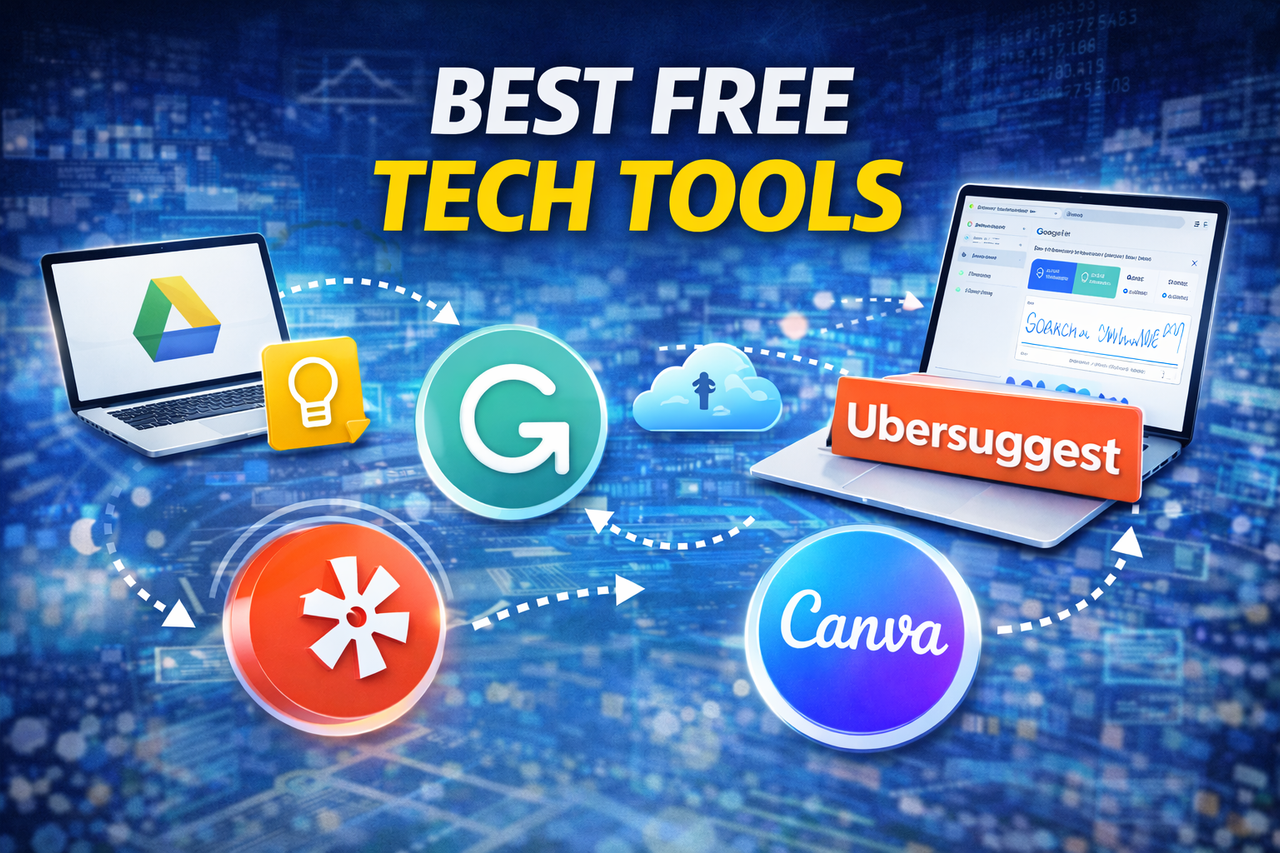
Popular Tools
-
Google Search Console
-
Google Analytics
-
Yoast SEO / Rank Math
-
Ubersuggest
-
Grammarly (for clean writing)
-
PageSpeed Insights
Why Tools Help
-
Track performance
-
Find SEO errors
-
Improve content quality
-
Measure keyword ranking
Using tools makes SEO more accurate and efficient.
Key Takeaways
-
On-page SEO is essential for new websites
-
Keyword research is the first step
-
Optimize titles, URLs, and meta tags
-
Use clean formatting with H2 and H3
-
Add internal links and alt text
-
Focus on mobile-friendly and fast pages
-
Tools help improve accuracy
FAQs
1. How long does on-page SEO take to work?
On-page SEO can show results in 2–6 weeks.
Time depends on competition and content quality.
Consistent updates help faster ranking.
2. Do I need technical knowledge for on-page SEO?
No, basic SEO can be done without coding.
Tools like Rank Math make it easy for beginners.
Simple formatting and keyword placement are enough initially.
3. How many keywords should I use in a page?
Focus on 1 main keyword and 2–3 related keywords.
Use them naturally in headings and content.
Avoid keyword stuffing—it harms SEO.
4. Should every page have internal links?
Yes, every important page should.
Internal links improve crawlability and ranking.
They also keep users on your site longer.
5. Are images important for on-page SEO?
Yes, images improve user engagement.
Optimized images increase SEO value.
Alt text helps Google understand your content.
Conclusion
On-page SEO is the foundation of every successful website.
New websites must follow a proper checklist to gain visibility faster.
By optimizing keywords, titles, URLs, content structure, and images, your site becomes search-engine friendly.
Combine good writing with smart SEO practices to grow long-term traffic.
Follow this checklist consistently, and your website will be ready to rank on Google.
What's Your Reaction?